Insights Overview
Track conversation performance, campaigns, ads, and AI coverage with Cloodot analytics.
Insights turns your conversations, campaigns, and AI activity into numbers you can act on — customer sentiment, team performance, campaign engagement, and AI coverage.
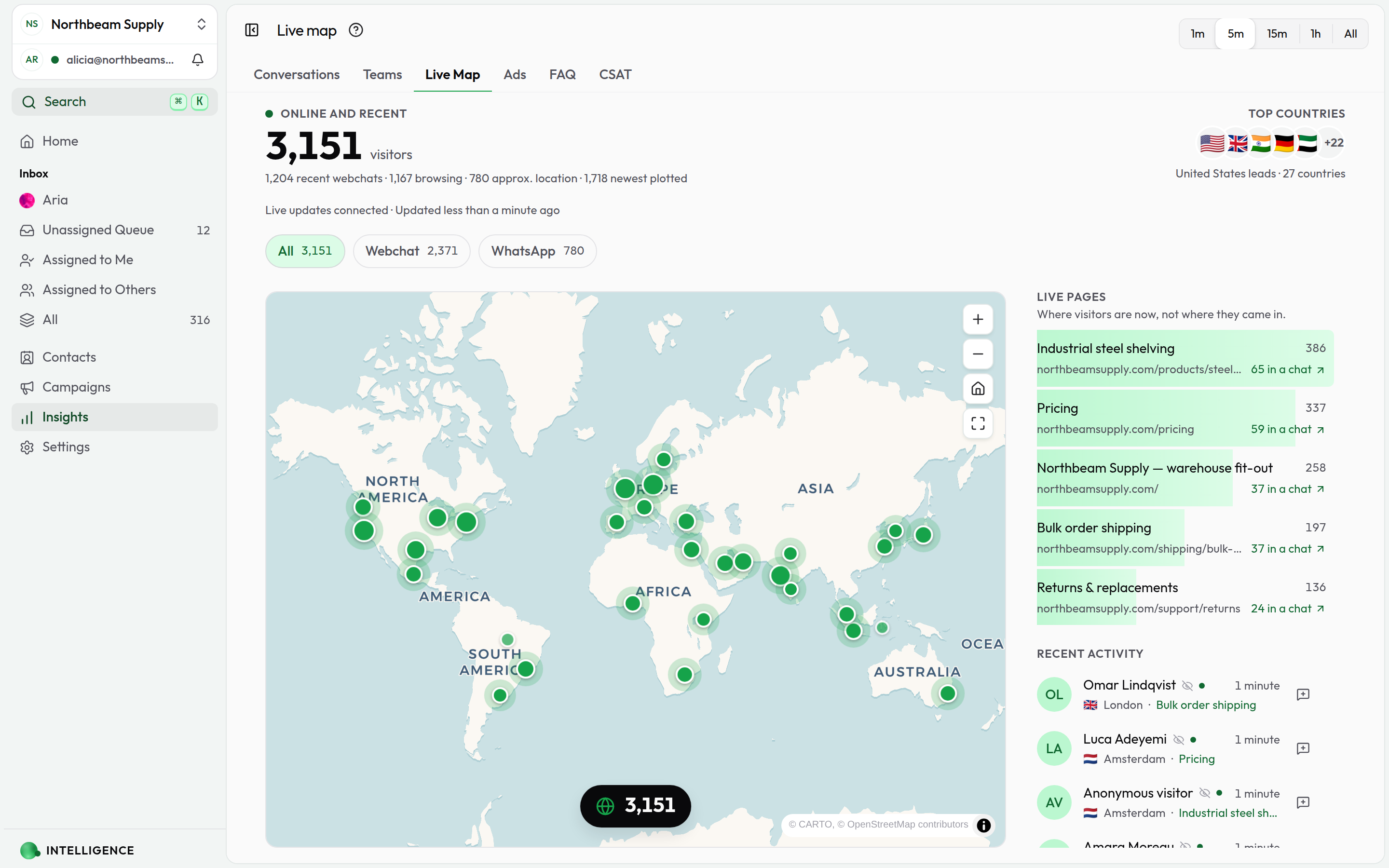
Where to start
Conversation Insights
How are your conversations going? Response times, sentiment, patterns.
Ad Insights
How are your click-to-message ads performing? Messages, channels, headlines.
Collection Insights
How much of your catalog is your AI actually using, and which items carry it?
FAQ Insights
How well are your FAQs answering customer questions?
CSAT
How satisfied are customers with the support they get?
Open Insights
Click Insights in the sidebar, then choose Conversations, Marketing, Ads, Collections, FAQ, or CSAT.
Filter the view
- Time range — today, last 7 days, this month, custom
- Channels — narrow to one or several
- Campaigns — focus on a specific send
Conversation metrics
- Hourly traffic heatmap to spot peak windows
- Sentiment breakdown — positive, neutral, negative
- Per-agent performance side by side
- AI handling rate vs. human handovers
Campaign metrics
- Delivery — sent, delivered, read
- Engagement — button clicks and click-through rate
- Winners and underperformers at a glance
What to do with the data
- Staffing — schedule agents around real traffic patterns
- Training — find topics where conversations struggle
- Campaigns — cut spend on messages that aren't landing
- AI tuning — see where the AI agent helps and where it needs more training
Going deeper
- Conversation Insights — The full breakdown
- Campaigns — Campaign performance details
- Ad Insights — Click-to-message ad analytics
- Collection Insights — How much of your catalog the AI actually uses
- FAQ Insights — FAQ coverage and growth
- Segments — Create groups based on what you learn
- AI Agent — Adjust AI based on what you see